01
Meaning before jargon
We introduce what a printer message or feature means before moving into technical terminology.
Independent printer education & practical how-to guides
Browse the full educational library
View all guidesClarity Field is an independent educational library dedicated to making printer technology easier to understand.
From first-time setup and software basics to wireless connections, print queues, and everyday printer care, we explain the concepts in approachable language.
 Learn / Understand / Explore
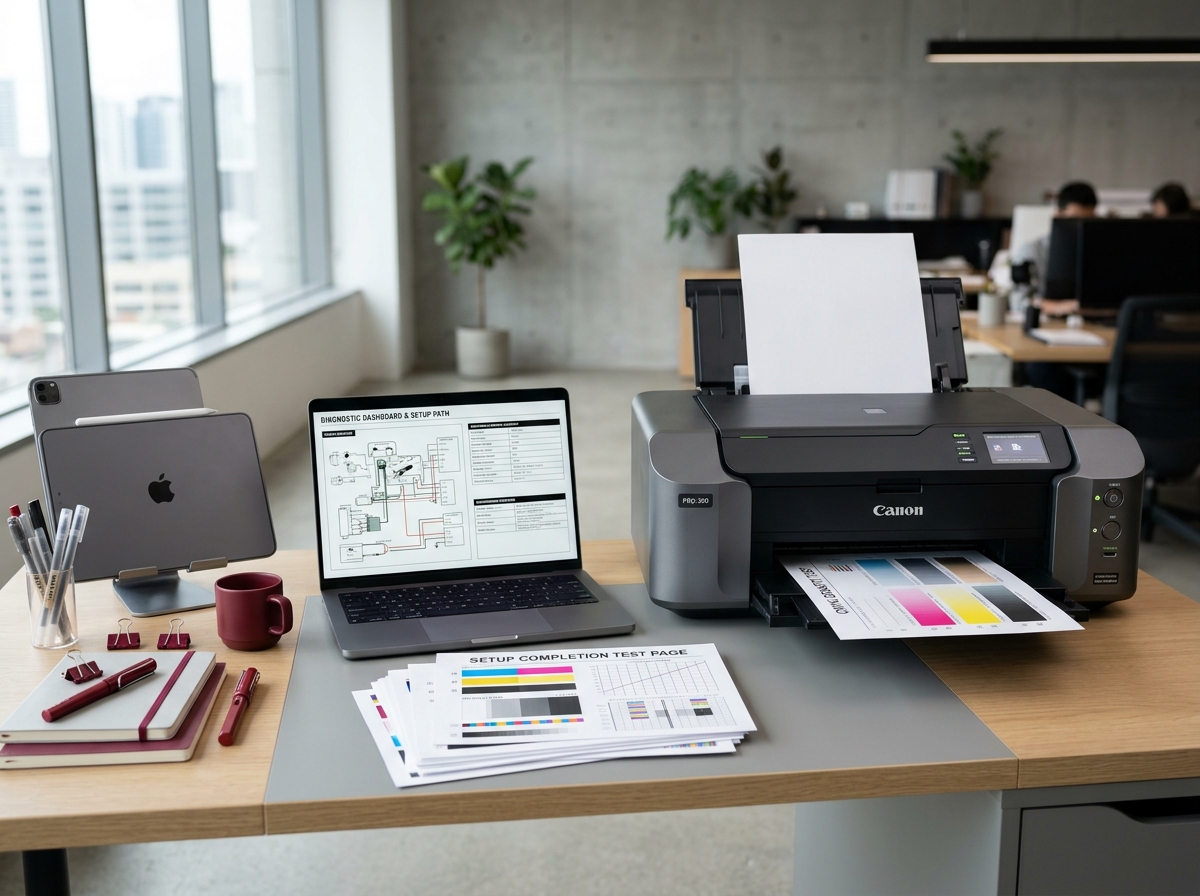
Practical knowledge for everyday printing.
Printer messages can be confusing when the meaning behind them is unclear. We explain the basics first, from wireless signals and device settings to driver communication and paper handling.
Learn what common alerts and status indicators generally mean.
Explore the parts and systems involved in printing.
Read independent, general-interest guides without service pressure.
Information that is understandable, useful and independent.
We introduce what a printer message or feature means before moving into technical terminology.
Familiar scenarios help explain printer connections, print queues, paper handling and status alerts.
Our content is educational reading material, not a repair service, download library or manufacturer support channel.
Find a topic and explore clear educational explanations at your own pace.
Clarity Field is an independent educational website. It is not affiliated with, endorsed by or acting on behalf of printer manufacturers or official support services. Our resources are for general learning only. We do not offer paid repairs, phone support, remote-access sessions, software installers or driver downloads. For model-specific instructions, consult the manufacturer's official documentation.